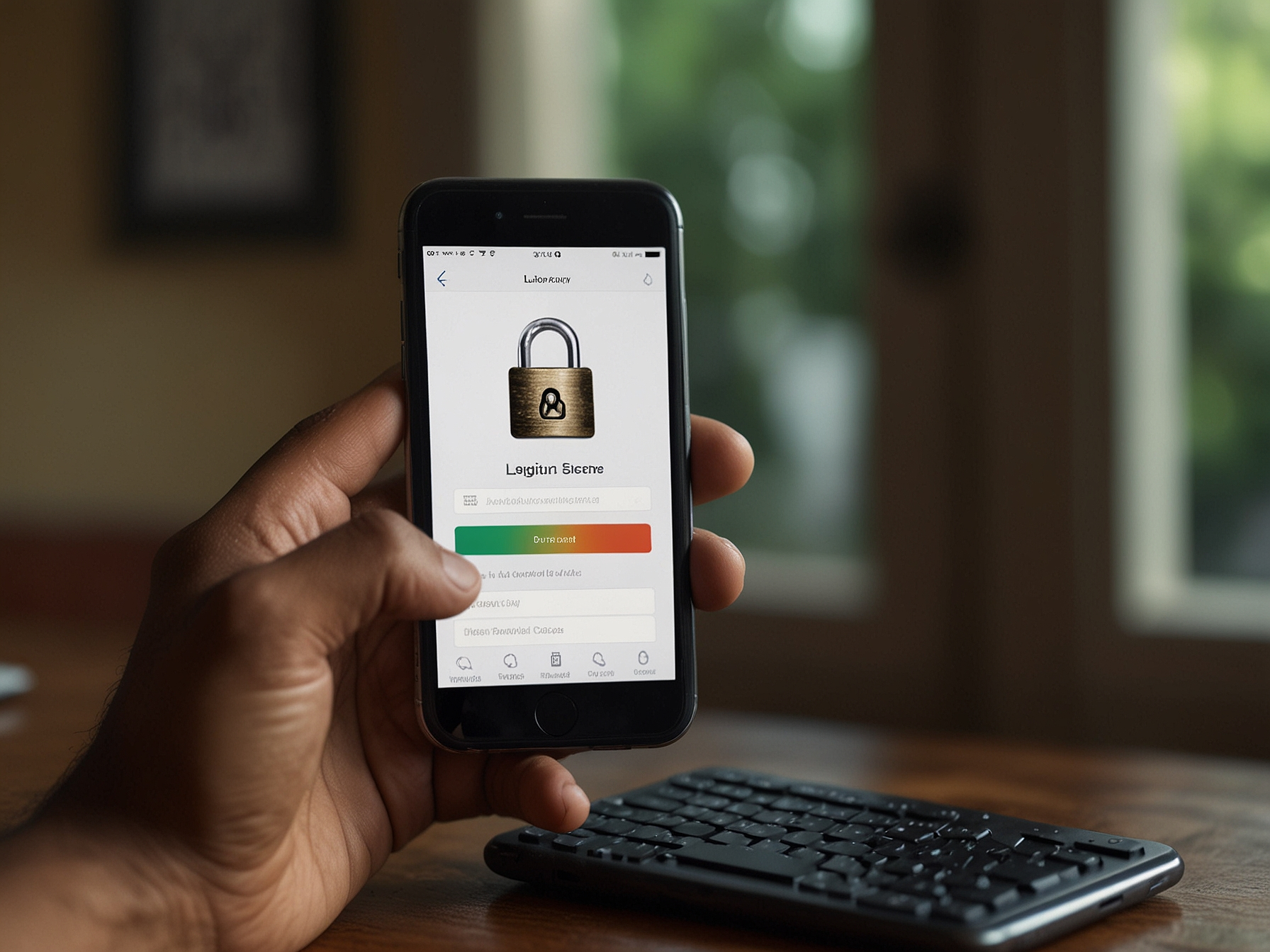
Logging into your account at PpVip Casino is straightforward. Begin by navigating to the Login page and entering your registered email or username and your secure password. We recommend that you always check the site URL to confirm you are on the official ppvipcasino.org domain before entering any credentials. If you use a public or shared device, avoid saving passwords or selecting any "remember me" option to prevent unauthorized access.
We provide several layers of protection to safeguard your account. This includes encrypted transmission of login credentials and optional two-factor authentication (2FA) for eligible users. When 2FA is enabled, an additional one-time code will be required after submitting your password, which substantially reduces the risk of unauthorized access even if your password is compromised. Enable 2FA via the Account Settings for increased security and peace of mind.
It is vital to use a unique password that you do not use on other sites. A strong password should be at least 12 characters long and include a mix of uppercase and lowercase letters, numbers, and symbols. Consider using a reliable password manager to generate and store a distinct password for your account, which both improves security and simplifies safe login practices across multiple services.
Never share your login credentials, verification codes, or personal identification documents via email or chat to anyone claiming to represent PpVip Casino. Official communications regarding account verification and security will be delivered through verified support channels. If you ever suspect an email or message is fraudulent, contact our support immediately for confirmation and guidance.
For safety and regulatory compliance, we may require identity verification for certain account activities such as large withdrawals or when unusual activity is detected. Verification typically involves uploading a government-issued ID and a proof of address. These steps help protect your funds and maintain a secure environment for all players.
If you have trouble logging in, use the "Forgot Password" flow to reset your credentials. We will guide you through a secure reset process that may include identity checks. For persistent issues, our support team provides secure assistance to recover your access after confirming ownership through standard verification procedures.
Account recovery requires patience and careful adherence to requests for documentation. We never ask for sensitive information via unofficial channels. Always respond to recovery requests through your registered account email and follow the instructions shown on our verified support page to ensure the process proceeds safely and efficiently.
Keep your devices updated with the latest security patches and antivirus software to minimize the risk of malware capturing your credentials. Modern mobile operating systems and desktop platforms provide timely security updates that should be applied as soon as possible. Regularly review app permissions and uninstall unused applications that may pose a security risk.
When using public Wi-Fi, prefer using a trusted VPN service to encrypt your connection before logging into sensitive accounts. Public networks are often less secure and can be exploited by attackers performing man-in-the-middle attacks. A VPN provides an additional layer of privacy and helps protect the integrity of your login session.
Visit our security center and support pages for step-by-step help with login, verification, and account protection.

We offer additional features to help protect your account, including session management to log out inactive sessions, device recognition to flag unfamiliar access, and activity notifications that alert you of important account events. These options can be reviewed and configured in your account security settings.
For players concerned about account sharing or unauthorized access, consider enabling stricter login controls and frequent password rotation. While frequent password changes are not necessary for everyone, adopting a password manager and using multi-factor authentication significantly reduces risk without adding undue inconvenience.
If you notice unauthorized transactions, unrecognized login attempts, or suspicious emails claiming to be from PpVip Casino, contact support immediately and change your password. Preserve any suspicious emails or screenshots to help our security team investigate. We will prioritize assessing and remediating potential breaches to limit impact and restore secure access.
Our security team is trained to respond to incidents while protecting user privacy and complying with applicable laws. We will never ask for your full password or one-time codes. Follow the official instructions from our verified support page and avoid interacting with links or attachments from unknown sources.
By reporting incidents quickly, you help us maintain a safe environment for all users. Your vigilance contributes directly to the effectiveness of our security controls and helps prevent fraud across the platform.
Use the "Forgot Password" option on the login page to initiate a secure password reset. Follow email verification steps to complete the process.
Enable 2FA in Account Settings and link it to an authenticator app or SMS where available. This adds an extra verification step after entering your password.
Contact PpVip Casino support through the official support page for help with account recovery, verification, and suspicious activity.
Public Wi-Fi is not recommended unless you use a trusted VPN. Public networks can expose your credentials to attackers.